Sage routinely publishes upgrades for Sage CRM, some are major and some are minor. Any of the individual upgrades include a combination of (a) feature enhancements, (b) bug fixes, and (c) infrastructure changes. Clicking on any of the blue version release titles below will bring up the release notes (PDF).
The current (latest) version of Sage CRM is known as version 2024R1. This became available in North American in April 2024.
Table of Contents
Important
The comments below each of the release notes below are editorial comments from My CRM Manager and no are not official comments from Sage.
v2026
v2026R1 – Release Notes
- R1 became available in North America on March 28, 2026
- xxx
v2025
v2025R2 – Release Notes
- R2 became available in North America on November 25, 2025
- xxx
v2025R1 – Release Notes
- R1 became available in North America on June 10, 2025
- xxx
v2024
v2024R2 – Release Notes
- R2 became available in North America on October 22, 2024
- Lots of enhancements to the Mailchimp integration
- Workflows for Quotes and/or Orders
- RESTful API enhancements
v2024R1 – Release Notes
- Jazzy video from Sage Sage CRM 2024 R1 – Key Facts – YouTube
- 2024 became available in April 2024.
- Usablity features – like sorting favorites and bolding text
- Moved to 64-bit version of JRE
- New tagging feature
v2023
v2023R2 – Release Notes
- With this release,
v2023R1 – Release Notes
- With this release, Sage updated the hardware/software requirements for Sage CRM. Notable is that this version drops support for SQL v2017 but now supports SQL Server 2022.
- There is a new ‘Narrative’ feature that displays as a company tab. The Narrative feature uses a AI approach to provide an executive summary of the company.
- Several of the enhancements referenced in the release notes related to Sage CRM’s native (newish) integration with Exchange Online. However, as all customers of My CRM Manager use Accelerator, (the advanced integration between CRM and MS Outlook) these enhancements are irrelevant.
- The UI for this version has significantly changed the look and feel of Sage CRM. All of the icons and font styles have changed. Gone are the colorful icons for the different entities (Company, Person, Opportunity, etc.). While some of the changes are great, initially many find these changes harsh and unfriendly. It is important to keep in mind that Sage CRM does allow for custom themes and we have a theme for our clients which modernizes the UI and restores the friendly colored icons.
- Administrators can now define the file types that users are allowed to upload. This feature replaces the former feature used to restrict which file types could be uploaded.
v2022
v2022R2 – Release Notes
- With this release, Sage has discontinued support for their own Outlook Plugins (both Lite & Classic). This means that anyone wanting an integration between Sage CRM and MS Outlook must use Accelerator (the advanced Outlook integration). This change is significant for the global community of companies using Sage CRM – but not for clients of My CRM Manager who all use Accelerator anyhow.
- Sage CRM has however added a utility to bring contacts and emails from MS Exchange into Sage CRM.
- Sage CRM will now support Microsoft SQL Server 2019 Web Edition.
v2022R1 – Release Notes
- Adding support for Windows 11. Sage CRM 2022 R1 is the only version of Sage CRM to support Windows 11.
- Adding support for Microsoft Azure SQL database.
- Dropping Support for IE 11. Note, this is very significant for users of the Sage Outlook Plugin (not Accelerator). Customers who rely on the Classic or Lite Outlook plugins are advised not to upgrade to Windows 11
- New feature to mass delete historic communications
- Customer experience and usability enhancements
- 30+ cases resolved
- Ongoing enhancements to the REST API
- Supporting content on Sage City and Community
v2021
- Many changes to the UI and UX including the layout of different fields and tabs
- Provides an easier method for customizing the theme for Sage CRM
- Better way to control the naming conventions for Quotes & Orders
- Allow users to more readily select different versions of their Quote and Order templates (if they have more than 1 they need to select from).
- Cooler pipeline chart
- Customer experience and usability enhancements
- 30+ cases resolved
- Click to dial links implemented
- oAuth2 for Internal E-mail and Advanced E-mail Manager
- A major expansion of supported REST API endpoints
- Self-service password recovery
- Inline customization of lists and grids
- Updated SDK snippets and Advanced Customization Wizard
- Refreshed eLearning
- Updated User Assistance
- Supporting content on Sage City and Community
v2020
This release provides new features and enhancements to the following areas:
- TLS Security improvements – Sage CRM 2020 R2 has removed any dependency on TLS 1.1, instead moving to version TLS 1.2
- Adoption of Modern Authentication – Sage CRM offers support for OAuth2 in this & future releases, ensuing readiness for market enforcement in mid-2021
- Developer Licensing Improvements – This release includes a new SDK that relaxes the constraint of needing a special license to leverage the APIs when coding new features
- Improvements in unique email enforcement – Users will now be able to create a Person, a Lead, and a Company record with the same email address, even when Detect duplicate emails is enabled
This release provides new features and enhancements to the following areas:
- Mailchimp
- Documents & Document Drop (now supports all browsers)
- Email Templates
- Support for new software
WARNING: With this version, Sage CRM has dropped support for SQL 2016.
v2019
This release provides new features and enhancements to the following areas:
- Enhancements to the Quick Find Feature
- Improvements to the default web-self-service Portal
- Territory security for Documents
- Support for Office 2019
- REST API
WARNING: As Sage CRM now supports Office 2019, Sage CRM has dropped support for Windows Server v2012 R2 and SQL 2014. Here is a link to an expanded message about this topic.
This release provides new features and enhancements to the following areas:
- Calendar
- Email and SMS
- Groups
- Quick Find
v2018
WARNING: The v2018 series was very significant for Sage CRM. However, with all the new feature enhancements came issues related to QuickFind, Dashboard, and MailMerge features.
v2018R3 – Release Notes was released in North America in August 2018.
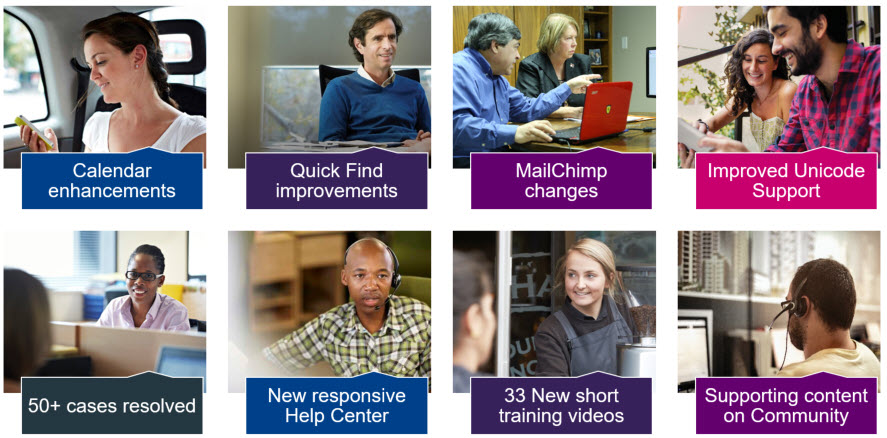
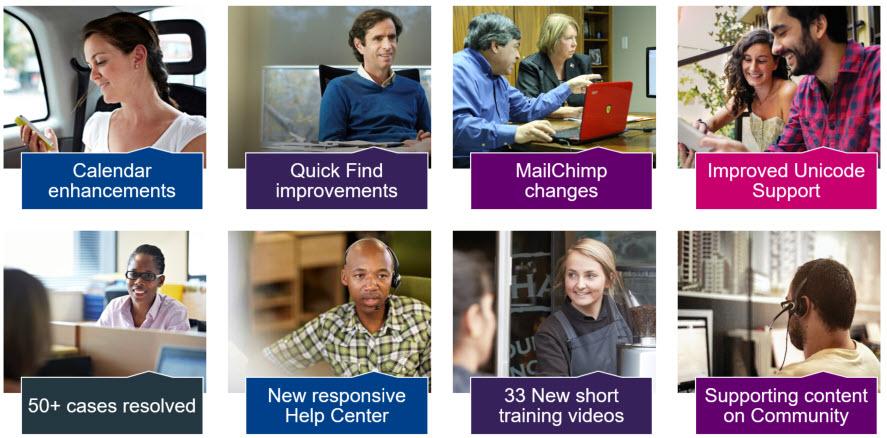
- More enhancements to calendar functionality (lists, filtering (awesome))
- More improvements to the Mail Chimp integration (again)
- The Quick Find feature now allows you to search by phone numbers
- Features and functions related to getting email consent
- Ability to mass delete data (documents and communications)
- More related to Mail Chimp
- Configuration options related to the Quick Find feature
- Many more improvements to the calendaring features:
- Task Quick Complete – This allows you to complete a task with a single click. Completed tasks are automatically removed from the screen when filtering by ‘Pending’.
- Drag and Drop Calendar Appointments – Appointments can be moved by dragging and dropping it to a new time in the Day, Week, Work Week, and Month views.
- Calendar Filter by Pending – User and Team Calendars now default to filter by pending in the Agenda and Task views area. Changes to filters persist for the duration of your Sage CRM session.
- Quick Tasks Creation with Attached Documents – You can drag and drop files to the ‘Drop files here’ area in the Tasks view of the My CRM and Team CRM calendars to quickly create tasks with attachments.
- Mapping feature
v2017
IMPORTANT: Due to changing technologies in the fall of 2020, including the end of life for (1) Flash, (2) TLS 1.0 and 1.1, and (3) ActiveX you may face problems Sage CRM versions 2017 (and earlier). Companies with this version of CRM (or earlier) are strongly encouraged to upgrade to a more recent version.
- Adobe Flash reaches the end of life. Adobe will stop distributing and updating Flash Player after 31 December 2020 (“EOL Date”). Flash used to be used to draw the included in Sage CRM Reports and in the Interactive Dashboards until version Sage CRM 2017 R3 when it was replaced by the use of HTML 5.
- Following advice from the Internet Engineering Task Force (IETF) Apple, Google, Microsoft, and Mozilla all announced a unified plan to deprecate the use of TLS 1.0 and 1.1 in favor of TLS 1.2 and TLS 1.3. TLS is the protocol designed to provide communications security over a computer network. Sage CRM 2020 R1 is fully compliant with TLS 1.2 and patches are available for all versions of Sage CRM from 2018 R1 onwards.
- Active X applies to installing the default Outlook plugin (not Accelerator) and using the Document Drop feature. More details can be found on this Sage blog post.
- Sage CRM 2017 R1, R2, R3 all reach the end of support on 30th September 2020.
- HTML5 for rendering charts – no more Flash
- Can print calendar
- Timeline view of group (team) calendar
- If you send out emails from Sage, selecting recipients is better
- Personal email signature by the user (under preferences)
- System Health admin feature (Admin / System / System Health)
- Updated MailChimp API (to be compatible with new MailChimp protocols)
The video below from Jeff Richard’s covers what was new with v2017 R1 and R2. Note – this video is 20 minutes.
- Faster Load
- Re-hauled calendar; more info displays, tasks separate from appts.
- Quick Find Feature (this is really good)
- Favorites option
- Notifications display differently
- Help files point to Sage CRM’s servers (so content is updated all the time)
v7.3
- Revamped interface (contemporary theme)
- More dashboard and report features
Sage’s Policy Related to Upgrades
If your organization is current with their Sage CRM support plan (either the subscription or via the annual renewal), then you are entitled to the latest versions of Sage CRM. And Sage expects end-using companies to stay current(ish) with Sage CRM upgrades. For example, now that Sage has released v2024, they will stop supporting Sage CRM version 2021 as of September 30th, 2024.