GUMU™ Integration User Guide
This GUMU™ Integration guide will show you how to master the following tasks in Salesforce using the GUMU™ Integration app:
- Account creation and promotion
- Address creation and promotion
- Contact creation and promotion
- Sales Order creation and promotion
This 5 minute video highlights what the integration looks like from a User experience.
Overview
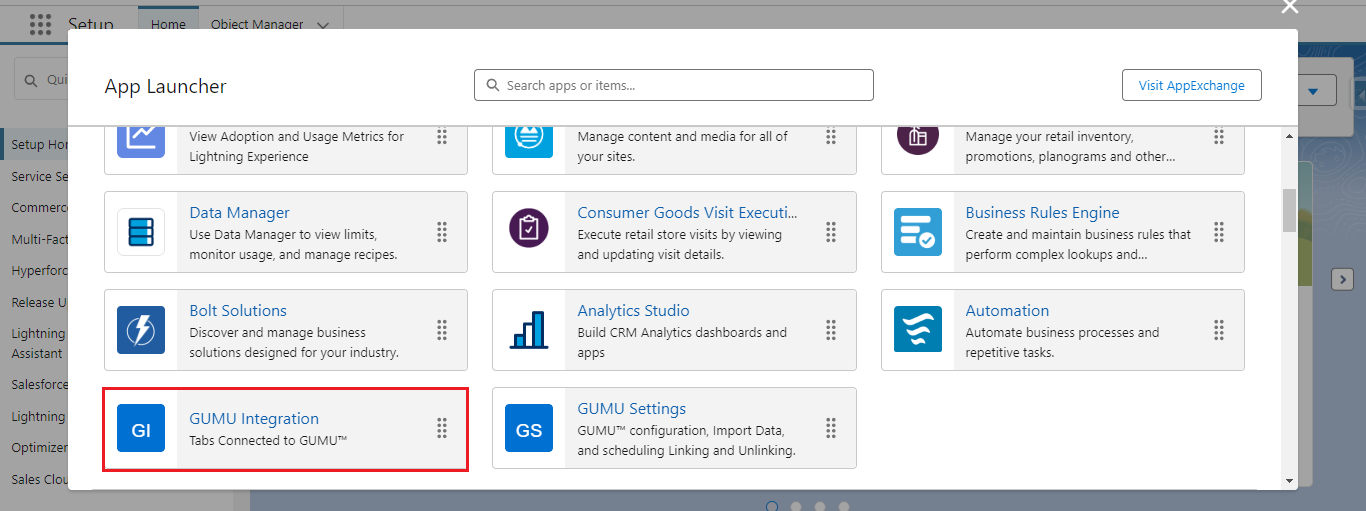
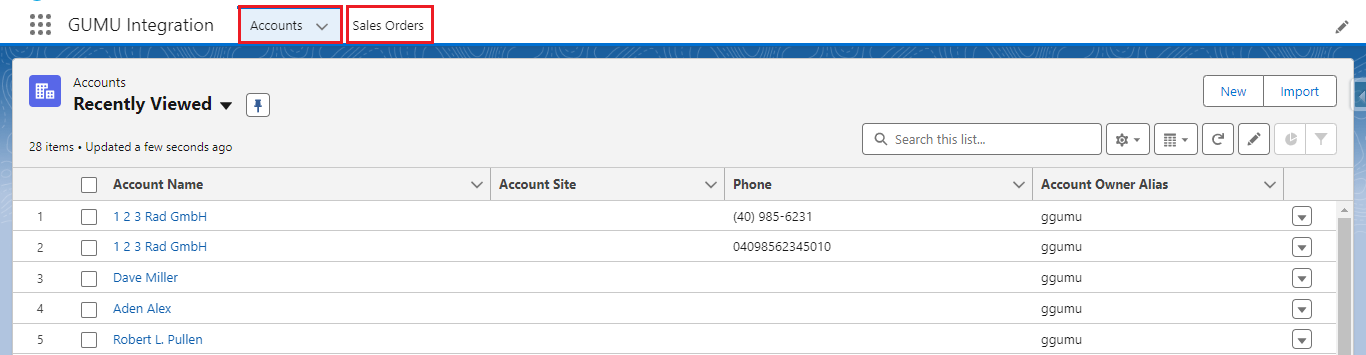
To navigate to the GUMU™ Integration app go to the App Launcher, the nine-dot menu in the top left corner. A new window will open consisting of two tabs: Accounts and Sales Orders.
Account Creation and Promotion
Learn how to create an Account in Salesforce and promote the customer into Sage by clicking the button below.
Note: It is mandatory to synchronize required entities such as Category, Currency, Language, Payment Terms, and Tax Rules before promoting a Customer to Sage 100.
Address Creation and Promotion
Learn how to create an Address in Salesforce and promote the Address into Sage by clicking the button below.
Note: To promote an Address the Account should be promoted or linked to Sage 100.
Contact Creation and Promotion
Learn how to create a Contact in Salesforce and promote the Contact into Sage by clicking the button below.
Note: To promote Contacts the associated Account must be linked or promoted to Sage 100.
Sales Order Creation and Promotion
Learn how to create a Sales Order in Salesforce and promote the Sales Order into Sage by clicking the button below.
You can create a direct Sales Order or create a Sales Order from a Quote.